
Stop Collecting Resource Lists: A 4-Week Roadmap to Learn AI Agents from Free Official Sources, Plus Eight Prompts to Build Your First Agent
“Top 50 resources” lists about AI agents get saved and never read. This guide picks just four free official sources, orders them into a four-week plan that ends with a small working agent, and gives you eight ready-to-copy prompts.
 Mulk Allah Al-Sadi7 min read

What you will get
After this guide you will know the difference between a workflow and an agent, study four official sources in a clear order, and finish four weeks with a small agent documented on GitHub instead of a folder of saved links.
We have all saved a post with dozens of links about agents and never opened any of them. The problem is not too few resources but too many: every link promises understanding, and nothing tells you where to start or when to stop reading and start building.
The rule in this guide is simple: one source per week, one practical output at the end of each week, and no new source until you finish the current one.
What is an agent, really?
An agent is a system where the language model uses tools and decides its own steps in a loop: it reasons, calls a tool, reads the result, and decides the next step until the task is done. A workflow, by contrast, has its steps fixed in code, and the model just executes each one.
In its engineering article “Building effective agents”, Anthropic recommends starting with the simplest possible solution and adding complexity only when needed, because agentic systems trade latency and cost for better performance. Many projects do not need an agent at all, and that is the first lesson worth remembering.
The four sources and the plan
All sources below are official and free at the time of writing. Check their pages, as the content is updated regularly.
- Week 1 — Concepts: “Building effective agents” on anthropic.com/engineering. It covers workflow patterns: prompt chaining, routing, parallelization, orchestrator-workers and evaluator-optimizer, then agents. Output: a table of the patterns with an example from your field for each.
- Week 2 — The theory: the ReAct paper (arxiv.org/abs/2210.03629), which combined reasoning and tool-based acting in one loop, the idea behind most agents today. Output: the loop explained in your own words, plus a simple diagram.
- Week 3 — Hands-on code: Microsoft’s AI Agents for Beginners repository on GitHub (standalone lessons with text and code), or Hugging Face’s Agents Course (huggingface.co/learn/agents-course), which offers an audit path or a certificate path by completing assignments. Pick only one. Output: an agent that uses two tools.
- Week 4 — Connecting tools: the free Introduction to Model Context Protocol course on anthropic.skilljar.com, with the official docs at modelcontextprotocol.io. MCP is an open standard for connecting models to tools and data sources. Output: a small MCP server, or your agent connected to an existing one, plus a README documenting the project.
The eight prompts
I want to automate this task: [describe the task in detail]
Inputs: [...]  Required output: [...]  How often it repeats: [...]

Analyse it like an engineer who prefers the simplest solution:
1. Is one good prompt enough? A workflow with fixed steps? Or do I need an agent that decides its own steps? Why?
2. If it is a workflow: which pattern fits (chaining, routing, parallelization, orchestrator-workers, evaluator-optimizer)?
3. List the steps, and mark where the model could go wrong and how I would check it.
4. What are the cost and risks of using an agent instead of the simpler option?
When to use it: Before starting any project.
What to expect: A clear verdict: a single prompt, a workflow or an agent, with the reason and the simplest design that solves the problem.
I will learn AI agents in 4 weeks using these sources in order:
1) Anthropic's "Building effective agents" article
2) The ReAct paper
3) [Microsoft's AI Agents for Beginners repo / Hugging Face's Agents Course]
4) The Introduction to Model Context Protocol course

My coding level: [...]  Language: [Python/TypeScript]  Time: [hours] per week on [days].
Spread the plan over the days, with at least 50% hands-on practice. Give each week a concrete output and a "done" criterion. Add a fallback plan if I miss a week.
When to use it: On day one.
What to expect: A realistic day-by-day schedule for your time, with a concrete output each week.
I am reading about workflow patterns: prompt chaining, routing, parallelization, orchestrator-workers, evaluator-optimizer.
My field: [e.g. education / healthcare / marketing].

Make a table: Pattern | One-sentence idea | Example from my field | When not to use it.
Then ask me 3 questions to check I can tell them apart. Do not attribute details to the article that you are unsure of.
When to use it: While reading the week-one article.
What to expect: A table of the five patterns, each with an example from your field and when not to use it.
Simulate a ReAct-style agent solving this task: [e.g. What is the average temperature in Riyadh this week compared with last week?]
Its tools: [e.g. search(query), calculator(expr)].

Write the loop: Thought → Action → Observation, through to the final answer (invent the tool results and label them as made up).
Then explain: when does the agent stop? What could make it loop forever? How do I cap the number of steps?
When to use it: Week two, before writing any code.
What to expect: A step-by-step simulation of an agent solving a task, showing where it needs tools and where it stops.
I am learning from [source name] and want to build my first agent in [Python/TypeScript].
The idea: [e.g. an agent that reads a CSV file, answers questions about it and draws a chart].

Be a mentor, not a code writer:
1. Split the project into 5 testable stages.
2. For each stage: what is needed, the concept from the source, and how to test it.
3. I will paste my code; review it and point out mistakes without rewriting it all.
4. Remind me: API keys go in environment variables, not code; set a maximum number of steps and a cost limit.
Do not invent library or function names; if unsure, tell me to check the docs. Start with stage one only.
When to use it: Week three.
What to expect: Small stages where you write the code yourself and get reviews, not finished code to copy.
Here is a tool I want to give my agent:
Name: [...]  What it does: [...]  Parameters: [...]  Returns: [...]

Review it as if you were the model using it for the first time:
1. Is the description enough to know when to use it and when not to? Rewrite it.
2. Are the parameter names and types clear? Add examples.
3. What errors are likely, and what should the tool return on error so the agent understands?
4. Should any tool be split in two, or two tools merged?
When to use it: Whenever you add a tool to the agent.
What to expect: A clear name, description and parameters for the tool, plus error cases, because tool quality drives agent quality.
I am [my level] and about to study the Model Context Protocol.
1. Explain it with an analogy, then with the correct terms: host, client, server, tools, resources, prompts.
2. What is the difference between adding a tool directly to my agent and exposing it through an MCP server? When do I not need MCP?
3. Suggest 3 ideas for a small MCP server serving [my field], easiest first.
4. What should I check on modelcontextprotocol.io because it may change? Do not invent package names.
When to use it: Week four.
What to expect: An understanding of host, client, server, tools and resources, and an MCP server idea that fits your level.
Here is my agent: [what it does, its tools, an example input and output]

1. Write 12 test cases: 6 normal, 3 edge cases and 3 the agent should refuse or ask to clarify.
2. For each: the input, the expected behaviour, and how I judge success.
3. What are the security risks (e.g. hidden instructions in data it reads) and how do I reduce them?
4. Draft a README: the problem, how to run it, examples, and the known limits, stated plainly.
When to use it: At the end of the project.
What to expect: A set of test cases including the hard ones, and an honest README that states the limits.
Common mistakes
- Saving dozens of sources and opening three at once.
- Starting with a complex framework before understanding the basic loop.
- Building an agent for a task that one prompt or a fixed workflow could handle.
- Leaving the agent without a step or cost limit.
- Putting an API key in the code and pushing it to a public repo.
Quick workflow checklist
- Decide first: do you need an agent? (1)
- Set the four-week plan (2).
- Week 1: the patterns (3). Week 2: the ReAct loop (4).
- Week 3: your first agent (5) and its tools (6).
- Week 4: MCP (7), then testing and the README (8).
More articles
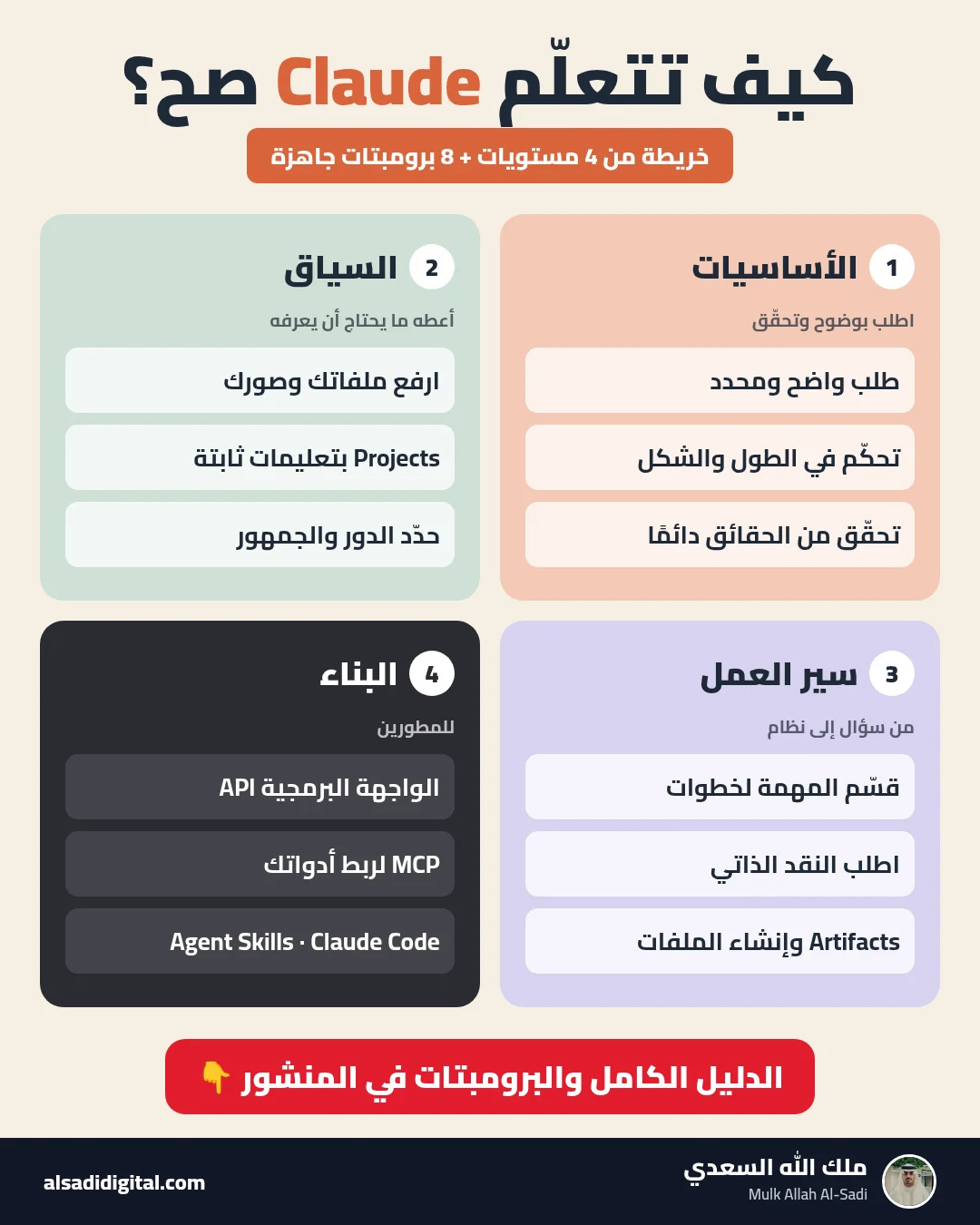
Learn Claude the Right Way: A Four-Level Map and Eight Prompts That Turn It into a Team of Experts
Skip the random experiments: a clear map of what to learn at each level of Claude, plus eight copy-ready prompts that make it work as your researcher, analyst, advisor, critic and tutor.
Mulk Allah Al-Sadi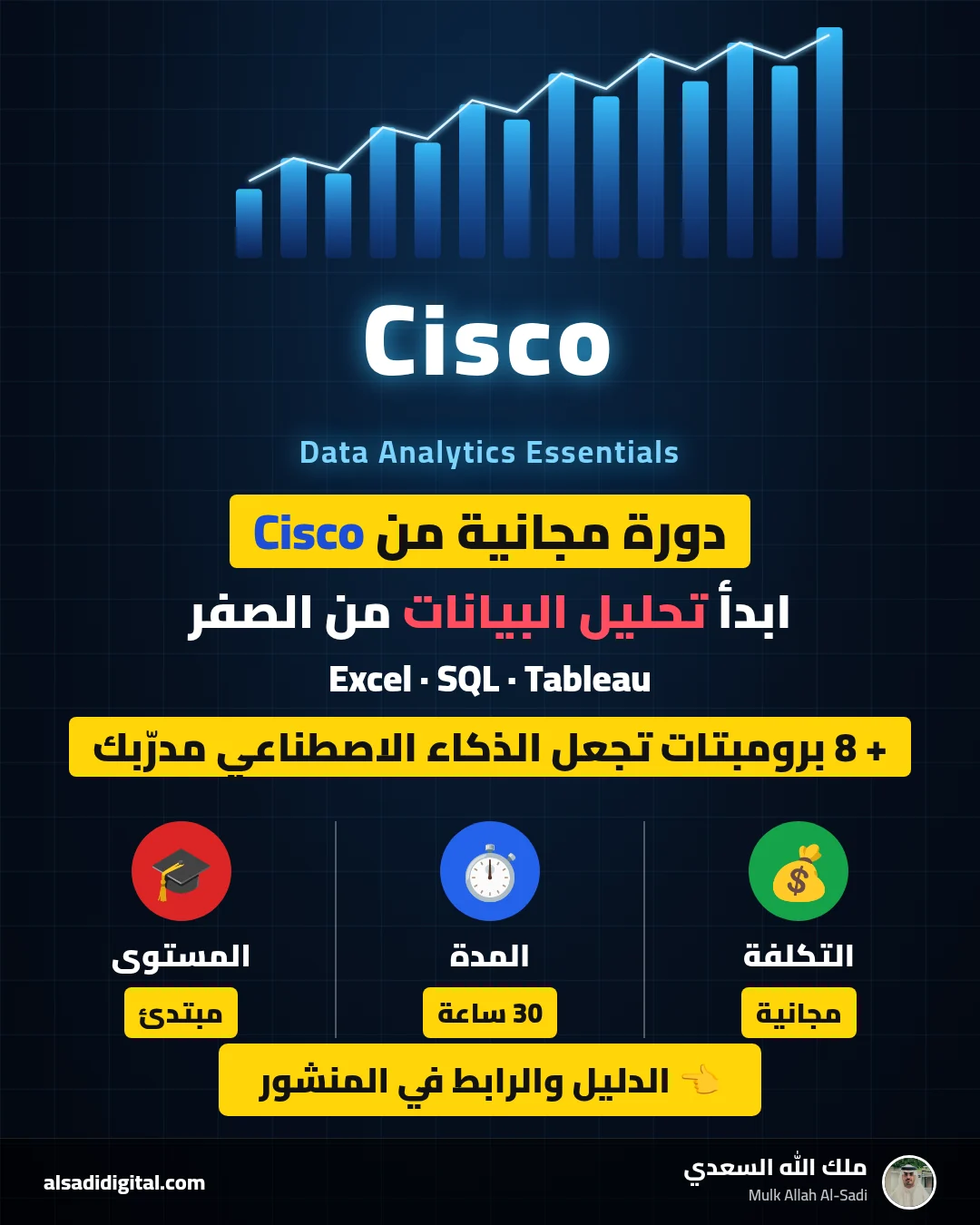
Start Data Analytics from Zero: Cisco’s Free Data Analytics Essentials Course and Eight Prompts That Make AI Your Personal Coach
A practical guide to completing Cisco’s free data analytics course (Excel, SQL and Tableau) with real understanding, plus eight prompts for studying, practising, publishing a GitHub project and preparing for interviews.
Mulk Allah Al-Sadi
Claude for Academic Research: Eight Prompts That Turn Dozens of Papers into a Review Matrix and Clear Research Gaps
A complete research workflow with Claude: building a search strategy, dissecting each paper, building the literature matrix, finding gaps and critiquing methods, with eight precise prompts that prevent fabrication.
Mulk Allah Al-Sadi