
Is Your LinkedIn Profile Working Against You? Nine Prompts That Make Claude Review It Like a Recruiter and Rewrite It Section by Section
A weak headline, a generic About and experience written as a task list: that is what makes recruiters close a profile. Nine practical prompts to audit your profile, close the keyword gap, rewrite your headline, About and experience, and write outreach messages.
 Mulk Allah Al-Sadi7 min read
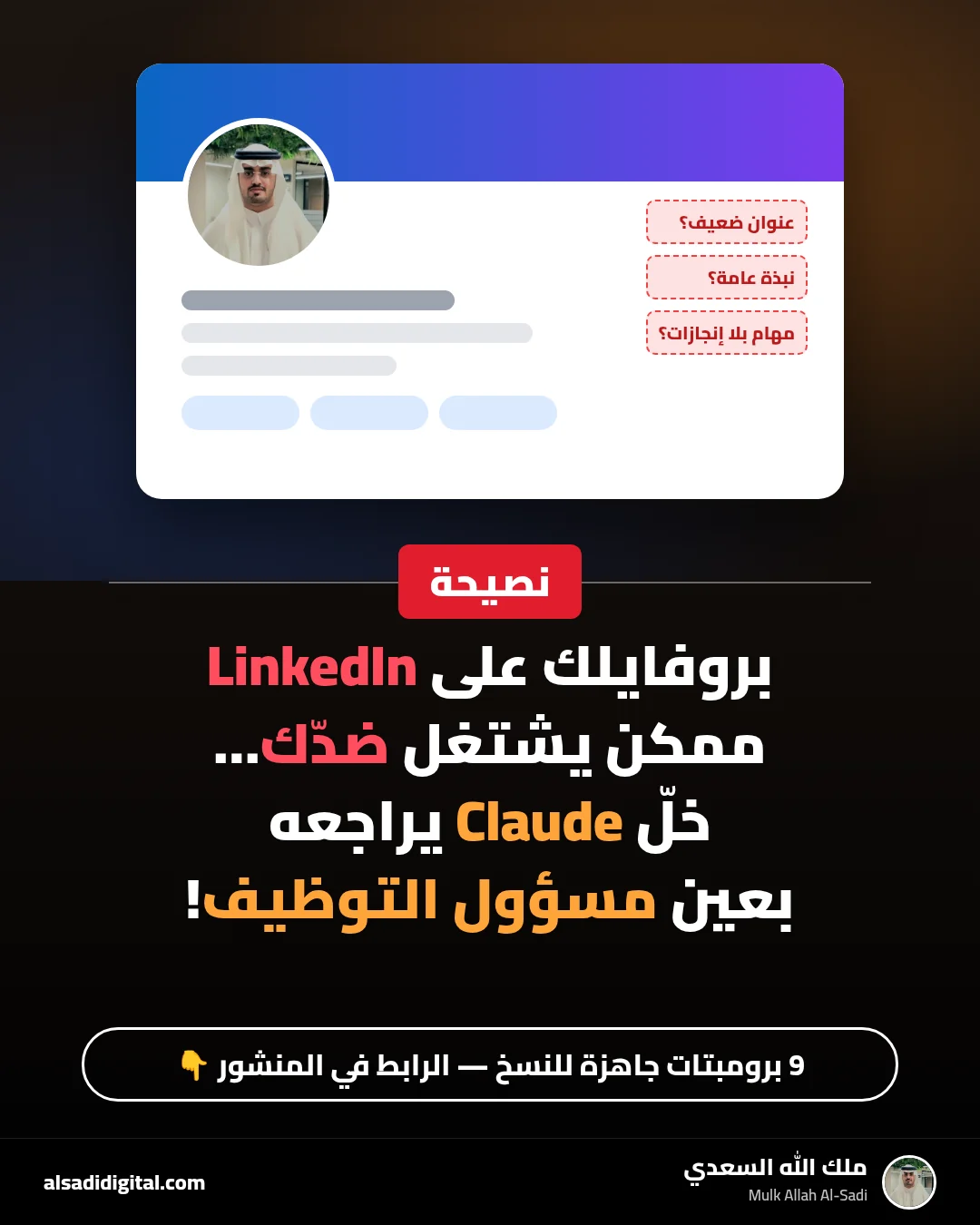
What you will get
After this guide you will have a LinkedIn profile a recruiter understands in seconds: a clear headline, an About that leads with your value, experience written as achievements, keywords matching the roles you want, and ready outreach messages, with no exaggeration or false claims.
Recruiters do not read your whole profile at first; they look at the photo, headline, the first lines of About and your latest role, then decide whether to continue. LinkedIn’s Help pages note that your headline appears in search results, and only a few lines of About show before “see more”. Every word in those places matters.
As a software engineering student, I find reviewing a profile with Claude one of the most useful and fastest-impact uses of AI, as long as you give it real information and stop it from embellishing. Before you start, copy your profile text (headline, About, experience, projects, skills) into a text file and remove your phone number, address and any unnecessary personal data.
The nine prompts
Act as an experienced recruiter in [field] who reviews dozens of profiles a day for a [target job title] role.

<profile>
[paste your profile text: headline, About, experience, education, projects, skills]
</profile>

1. Your impression in the first 10 seconds: what did you understand about me, and would you keep reading?
2. Score each section out of 10 with a one-line reason.
3. The top 5 changes ranked by impact on my chances.
4. What information you would expect for this role that is missing.

Be blunt and specific, and do not suggest adding any skill or experience that is not in the text.
When to use it: Always the first step, before changing anything.
What to expect: Your first-seconds impression, a score out of 10 per section with reasons, and the top 5 changes ranked by impact. It will be blunt, which is what you need.
These are 3 job ads I am targeting:
<job1>[paste ad]</job1>
<job2>[paste ad]</job2>
<job3>[paste ad]</job3>

And this is my profile:
<profile>[paste profile]</profile>

1. Extract the recurring skills and keywords from the ads, ranked by frequency.
2. A table: keyword | in my profile? | evidence for it in the text? | where to add it (headline, About, a specific role, Skills).
3. A separate list: required skills I show no evidence of, with a quick way to learn each.
Do not suggest adding a skill to my profile unless the text supports it.
When to use it: To show up when recruiters search for the role you want.
What to expect: A table of the keywords that recur in the ads, whether they are in your profile, and where to add them honestly, with skills you lack marked for learning, not claiming.
Write 5 different LinkedIn headlines for me, using only this information:
- Current status: [student/graduate/working at...]
- Specialty and core skills: [...]
- Field I care about: [...]
- A standout proof point (project, award, real result): [...]
- Target role: [...]

Formulas:
1. Title | skills | field.
2. What I build or solve, and for whom.
3. Built around a real achievement.
4. For students: major + what I am good at + what I am looking for.
5. A very short version.

Put the key search terms at the start, and avoid words like "passionate" or "ambitious" without proof. After each headline, one line on who it suits.
When to use it: After the audit, to choose a headline that says who you are and what you offer.
What to expect: Five different options built on your information, with the most important keywords first, since the start of the headline is usually what shows in search and comments.
Write a first-person LinkedIn About section using only my information:
<info>
- Who I am and what I do: [...]
- What drives me in my field: [...]
- Top 3 skills with evidence for each: [...]
- Two real projects or achievements: [...]
- What I am looking for and how people can reach me: [...]
</info>

Structure:
1. First two lines (shown before "see more"): my value, clearly, no generic intro.
2. Proof paragraph: projects and skills with examples.
3. What I am looking for, with a call to connect.
4. A closing line of natural keywords.

Write two versions: short (about 120 words) and medium (about 220 words). No exaggeration and no achievements I did not mention.
When to use it: After choosing your headline, since About continues its story.
What to expect: An About that leads with your value in the first two lines, then proof, then what you are looking for, in the first person, in two lengths to choose from.
This is my experience written as a task list:
<experience>
[title, organisation, dates, then the duties as they are]
</experience>

Rewrite each duty as an achievement: strong verb + what I did + tool or method + result or impact.
Strict rules:
- If a result needs a number I have not given, write the bullet with [number?] and ask me after the list. Never invent numbers.
- 3-5 bullets per role, most important first.
- End each role with a "Skills used" line.
Then ask me the questions needed to complete the numbers.
When to use it: For experience, volunteering and university projects.
What to expect: Each item rewritten as an achievement. When an item needs a number you do not know, it asks you instead of inventing one.
These are my projects:
<projects>
[for each: name, problem, what I built, stack, link, any real result]
</projects>

Target role: [...]

1. For each project, write a 3-4 line description for the Projects section: problem, solution, stack, result.
2. Rank the projects by relevance to the target role.
3. Suggest the best 3 items for Featured (project, article or presentation) with a title and short description each.
4. Which project am I missing for this role? Suggest a small, doable idea.
When to use it: If your work experience is limited, projects are your strongest proof.
What to expect: A short problem-solution-stack-result description per project, plus the best 3 items for Featured and how to present them.
I want to ask [name] for a LinkedIn recommendation. Our relationship: [e.g. supervised my graduation project / my internship manager].
What we worked on together: [...]
Points I hope the recommendation covers: [two or three skills, each with a real situation]

Write:
1. A short, polite request (about 80 words) that reminds them of our work, gently suggests the points, and makes it easy to say no.
2. A recommendation draft of about 100 words that I would send only if they ask for one, written in their voice and based only on the situations above.
When to use it: When you want a recommendation from a professor, manager or colleague.
What to expect: A polite, specific request that suggests what to focus on, plus an optional draft the person can edit if they ask you for one.
I want to contact [name, title, company].
What connects us or why I am reaching out: [same university, a post they wrote, an open role, shared interest]
What I want specifically: [advice, information about the role, a 15-minute call]
About me in one line: [...]

Write:
1. A connection-request note of at most 200 characters.
2. A follow-up after they accept (70-100 words) with one clear, easy ask.
3. A polite follow-up if there is no reply within a week.
Rules: start with them, not me; do not ask for a job in the first message; avoid templated phrases.
When to use it: To contact a recruiter, an alumnus of your university, or someone at a company you are targeting.
What to expect: Three short personalised messages. Note: LinkedIn Help says a connection-request note on a free account is limited to 200 characters, so the first one will be very short.
I want to post on LinkedIn twice a week for 4 weeks.
My field: [...]
What I am learning or building now: [...]
Real experiences and observations I can write about: [...]
My audience: [recruiters in... / peers / beginners in the field]

Create a table of 8 posts: week | idea | format (lesson learned, project, mistake and fix, tool, discussion question) | opening line | what to prepare (image, link, screenshot).
Use only my material and do not suggest stories that did not happen.
When to use it: After improving your profile, to build presence that gets it seen.
What to expect: Eight post ideas based on what you are actually learning and building, each with an opening line and a varied format, with no invented stories.
Follow-ups that improve the result
- "Read the new About as a recruiter: what did you understand from the first two lines?"
- "Shorten every experience bullet to at most one and a half lines."
- "Which words repeat across my whole profile? Suggest alternatives."
- "Compare my old and new profile in a table: what improved and what is still weak?"
Common mistakes
- Accepting suggestions that add skills or numbers that are not true; they surface in the first interview.
- Copying the same generated About thousands use; always start from your information.
- Neglecting Projects when you lack work experience.
- Pasting sensitive personal data into AI tools without need.
- Optimising once and forgetting; update with every new project or skill.
Quick workflow checklist
- Copy your profile text and remove sensitive data.
- Audit (1), then the keyword gap against 3 ads (2).
- Headline (3), then About (4).
- Experience as achievements (5), Projects and Featured (6).
- Request a recommendation (7) and start outreach (8).
- Content plan (9), and review the profile monthly.
More articles

Stop Collecting Resource Lists: A 4-Week Roadmap to Learn AI Agents from Free Official Sources, Plus Eight Prompts to Build Your First Agent
“Top 50 resources” lists about AI agents get saved and never read. This guide picks just four free official sources, orders them into a four-week plan that ends with a small working agent, and gives you eight ready-to-copy prompts.
Mulk Allah Al-Sadi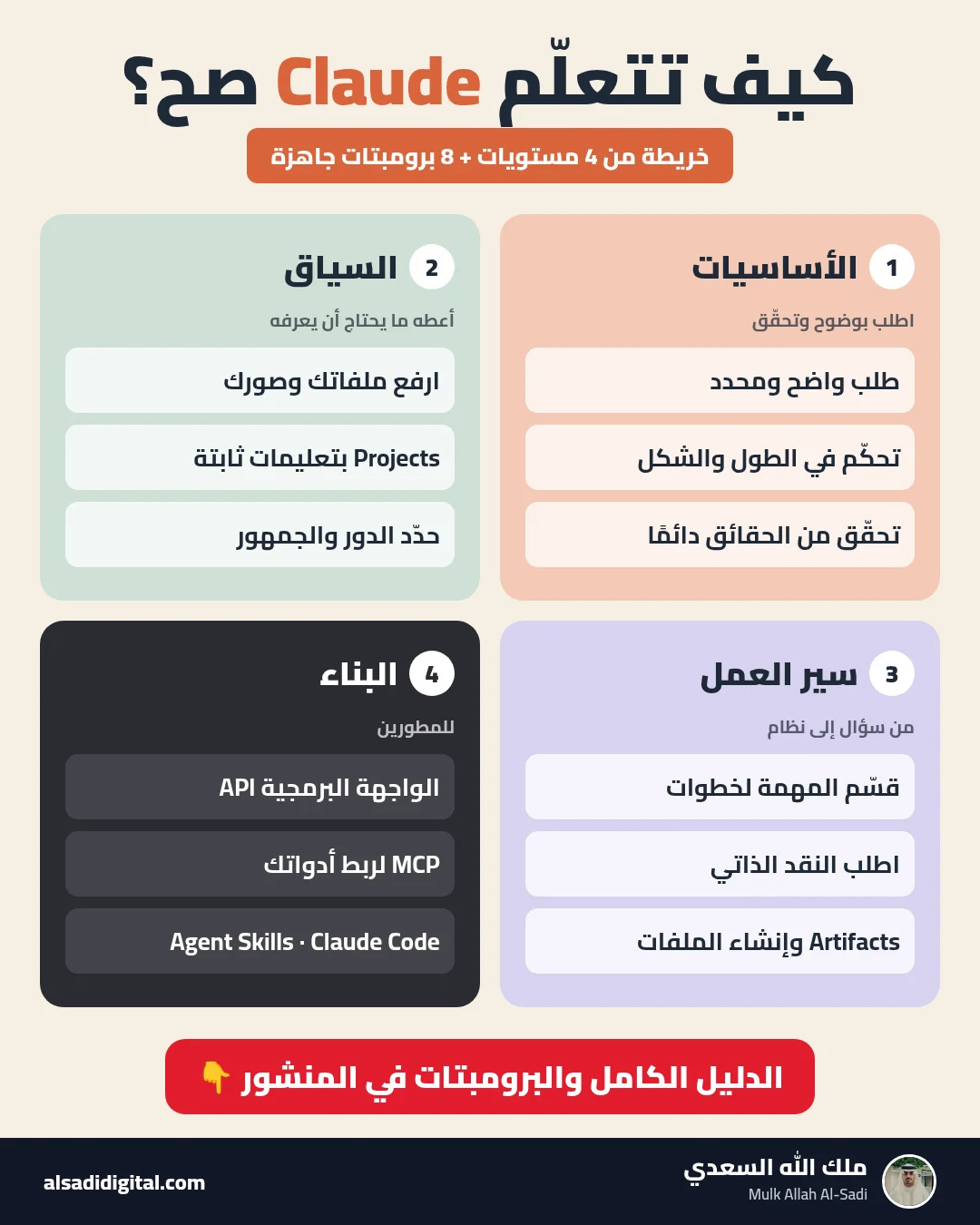
Learn Claude the Right Way: A Four-Level Map and Eight Prompts That Turn It into a Team of Experts
Skip the random experiments: a clear map of what to learn at each level of Claude, plus eight copy-ready prompts that make it work as your researcher, analyst, advisor, critic and tutor.
Mulk Allah Al-Sadi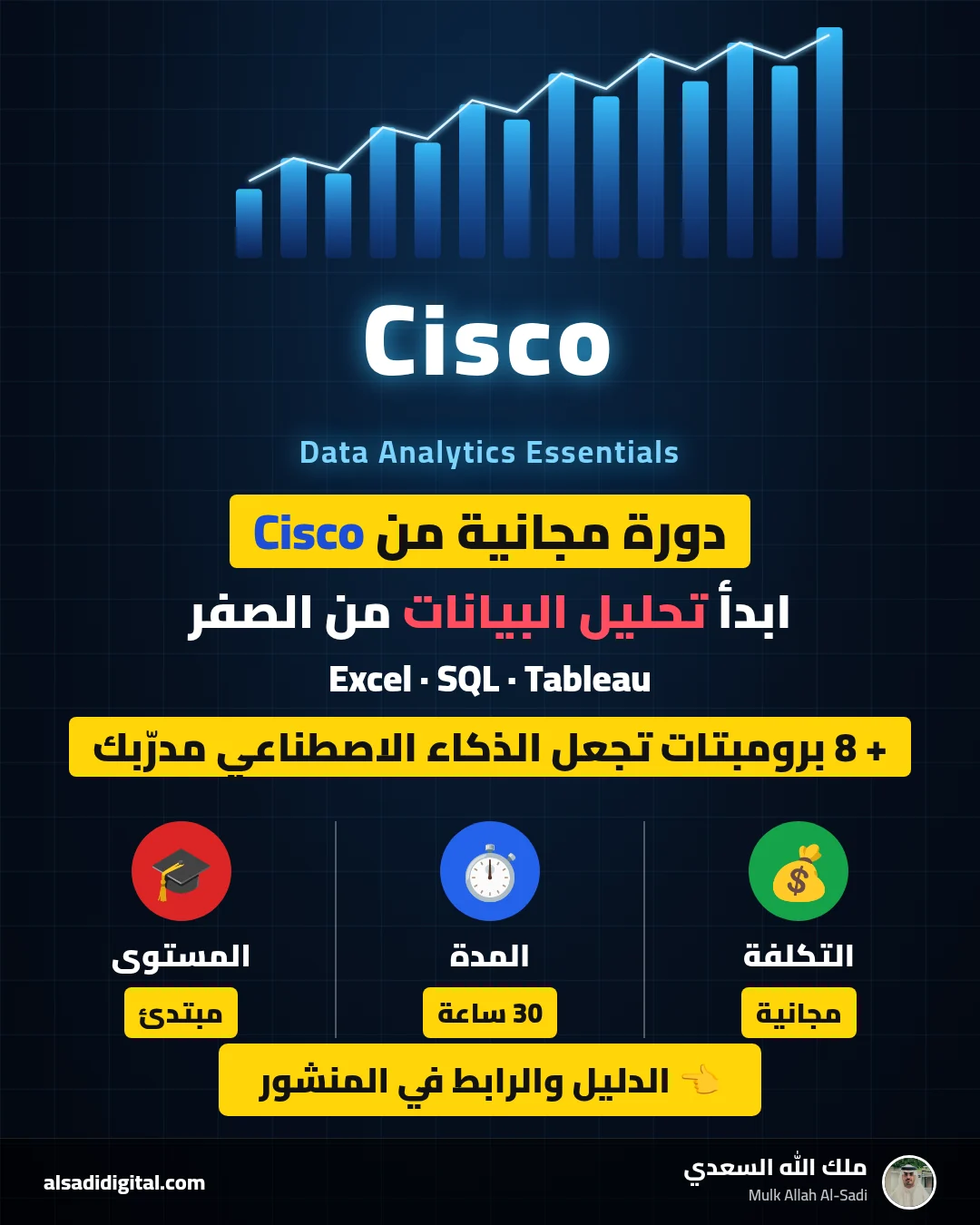
Start Data Analytics from Zero: Cisco’s Free Data Analytics Essentials Course and Eight Prompts That Make AI Your Personal Coach
A practical guide to completing Cisco’s free data analytics course (Excel, SQL and Tableau) with real understanding, plus eight prompts for studying, practising, publishing a GitHub project and preparing for interviews.
Mulk Allah Al-Sadi