
The Biggest Mistake with ChatGPT and Claude Is Copy-Paste: Eight Prompts for Natural Writing in Your Own Voice
Machine-sounding text is easy to spot: generic openings, repeated phrases, flat rhythm. Eight practical prompts that build your voice profile, detect and fix robotic patterns, and turn your notes into natural text that sounds like you.
 Mulk Allah Al-Sadi6 min read
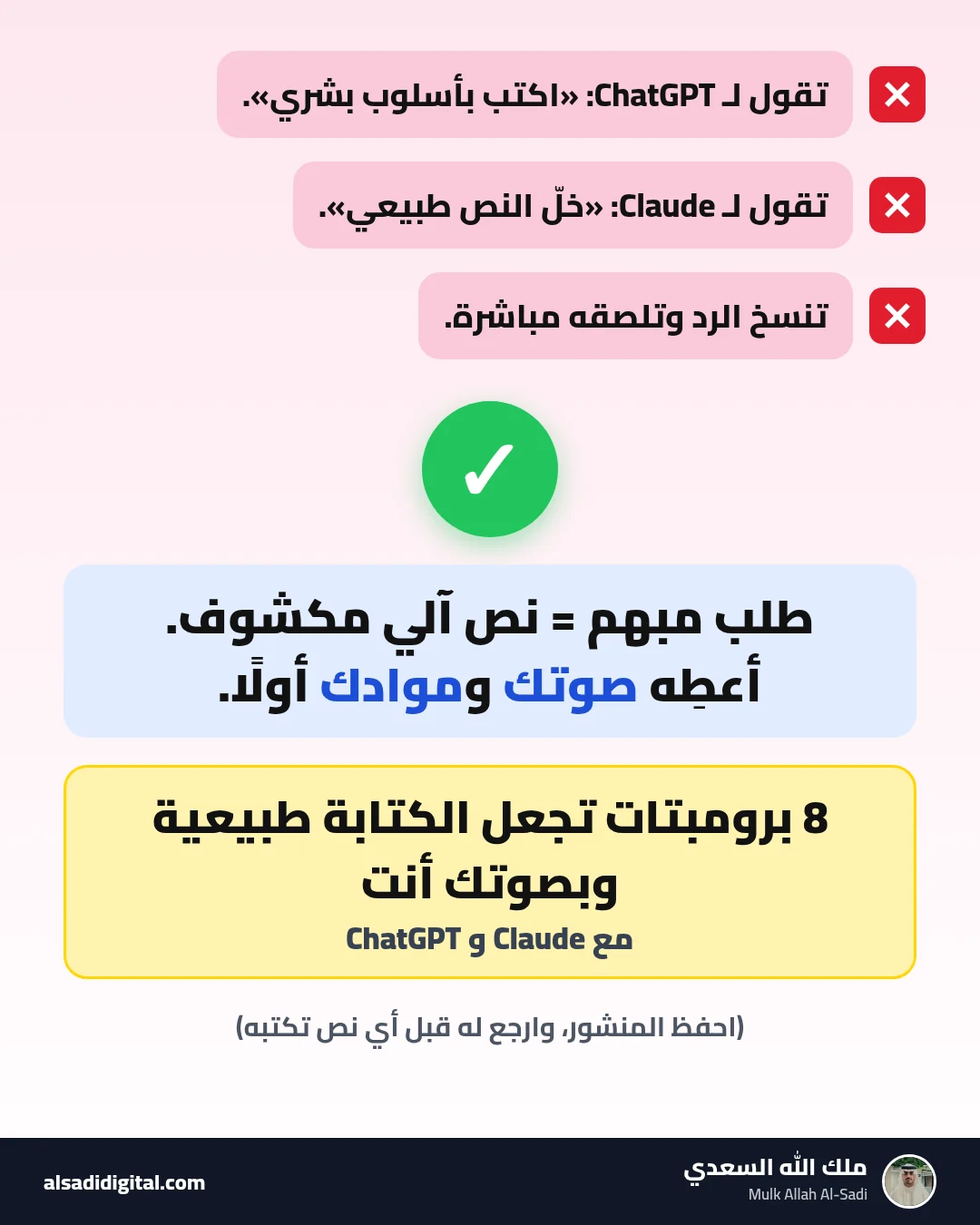
What you will get
After this guide you will have a reusable "voice profile" that describes your style for any tool, and a chain of prompts that turns any robotic draft into natural, specific, clear writing people read as yours, because it is.
People who read a lot on LinkedIn or in university reports now spot fully generated text in seconds: “in today’s fast-paced world”, lists of three adjectives, buzzwords without substance, and a conclusion that repeats the introduction. The problem is not using the tool but copying its first output as is.
To be clear: the goal is not to fool detectors or claim effort that is not yours. The goal is writing that is good, honest and carries your ideas and voice, with AI as an editor that raises quality. That, incidentally, is what makes text sound natural.
Why text sounds robotic
Five patterns recur in generated text, and the prompts below target them:
- Generic claims that fit any topic, with no example or detail.
- Flat rhythm: sentences of similar length and structure.
- Buzzwords: “revolutionary”, “essential”, “journey”, “fast-paced world”.
- Predictable structure: generic intro, three points, a conclusion that repeats the intro.
- No stance: no opinion, no experience, no “I”.
The eight prompts
You are a writing-style analyst. Here are 3 samples of my real writing that I am happy with:

<sample1>[paste sample one]</sample1>
<sample2>[paste sample two]</sample2>
<sample3>[paste sample three]</sample3>

Analyse my style and write a "voice profile" as bullet points:
1. Average sentence length and how much it varies.
2. Tone (formal, friendly, direct, wry...) with examples from the texts.
3. Words and expressions I use often.
4. How I open and how I close.
5. What I never do (e.g. hype or emojis).
6. Ten short rules starting with "Write" or "Avoid" that I can paste into any prompt.

Do not praise my style; describe it precisely.
When to use it: Once at the start; then save the output in custom instructions or a Project.
What to expect: A precise description of your style: sentence length, tone, favourite words, how you open and close, plus rules you can reuse in any prompt.
<voice>
[paste your voice profile]
</voice>

<notes>
[your raw notes: the idea, your opinion, a real example from your experience, the takeaway]
</notes>

Write a [type of text] for [audience], about [number] words.

Rules:
- Use only my ideas and keep my phrasing where possible.
- Add no examples, numbers or experiences I did not mention. If an example is needed, write [your example here].
- Open directly with the idea or the example, not a generic intro.
- Vary sentence length and avoid lists unless necessary.
- Do not end by repeating the introduction.
When to use it: When you need new text (post, article, email) and have the ideas but not the time to word them.
What to expect: A draft using only your ideas and phrases, following your voice profile. It usually needs light edits, which is normal.
You are a professional editor who turns machine-sounding text into natural human writing.

<text>
[paste the text]
</text>

1. In a table, list every sentence with a robotic pattern: (sentence | pattern: generic, buzzword, repetition, flat rhythm, filler, exaggeration | suggested alternative).
2. Flag any claim that needs a real example or number and mark it [needs your detail] instead of inventing one.
3. Write a revised version: cut filler, vary sentence length, replace buzzwords with simple precise words.

Add no new ideas and do not lengthen the text; the revision must be the same length or shorter.
When to use it: When you have generated text or a draft that feels “plastic” and you cannot say why.
What to expect: A table of every robotic pattern: sentence, pattern, suggested alternative. Then a revised version that keeps the meaning.
This is my text:
<text>
[paste the text]
</text>

Make it concrete without inventing anything:
1. Identify every generic or abstract sentence.
2. For each, ask me one specific question that draws out a real detail (an example, a situation, a number I know, a tool name, a result).
3. Wait for my answers.
4. Then rewrite those sentences using only my details, and drop any sentence I could not support if it adds nothing.
When to use it: When the text is correct but generic and leaves no impression.
What to expect: Specific questions about each generic point (when, where, example, number), then your answers woven in. This makes the biggest difference.
Read this text as if reading it aloud to an audience:
<text>
[paste the text]
</text>

1. Mark every sentence where a reader would stumble or need to reread, and say why.
2. Suggest splitting long sentences and merging choppy short ones.
3. Make sure each paragraph carries one idea.
4. Give me the final version, keeping my style and words as much as possible.
When to use it: The final review before publishing.
What to expect: Notes on heavy, long or awkward sentences with suggestions to split them, improving rhythm without changing your style.
This is my core message:
<message>
[paste the message or points]
</message>

Write 3 versions:
1. For [a manager or official body]: short and professional.
2. For [a client]: friendly and clear, with a specific next step.
3. For [LinkedIn followers]: personal, opening with a situation or observation.

After each version, explain in two lines what you changed in tone and why.
Constraints: same information in all versions, no hype, no stock phrases.
When to use it: When you send the same message to different audiences: a manager, a client, a colleague, followers.
What to expect: Several versions of the same content in different tones, with an explanation of what changed so you learn to tune tone yourself.
You are an experienced English editor who writes clear, modern, natural English.

<text>
[paste the English text]
</text>

1. Identify structures that read as translated (overuse of passive voice, "it is worth mentioning that", word-for-word idioms, overly long noun phrases, unnatural word order).
2. Rewrite the text in natural English, keeping the meaning and technical terms unchanged.
3. Give me a table: original phrasing | natural alternative, so I can learn from it.

Avoid fancy vocabulary; I want plain English anyone understands.
When to use it: When you write in English as a second language or translate from Arabic, and the text reads stiff or unnatural.
What to expect: Fluent, idiomatic English with natural structures, plus a list of the translated patterns fixed so you avoid them next time.
Review this text before I publish it under my name:
<text>
[paste the text]
</text>

Check:
1. Every number, fact or name: put it on a "must verify" list.
2. Any sentence attributing an experience or achievement to me: ask me whether it is true.
3. Any promise or exaggeration that could hurt my credibility.
4. Is the main idea clear in the first two lines?
5. One line: is it ready to publish or does it need changes, and why.
When to use it: The last step before publishing anything you wrote with AI help.
What to expect: An accuracy and honesty check: claims to verify, experiences that may be inaccurate, any line that does not represent you, and a clear verdict.
How to iterate to an excellent text
- "Make it 30% shorter without dropping any idea."
- "Write three different openings: a question, a situation, a blunt opinion."
- "Which sentence is weakest? Rewrite it three ways."
- "Compare your version with my voice profile: where did you drift from my style?"
Common mistakes
- Asking to “make it human” without giving the tool your ideas or style.
- Hunting for a magic prompt to beat detectors instead of actually improving the text.
- Letting the tool add experiences or numbers that never happened.
- Using generated text in academic work without following university policy.
Quick workflow checklist
- Create your voice profile once (prompt 1) and save it.
- Always start from your notes (2), never a generic request.
- Detect robotic patterns (3), then make it concrete (4).
- Tune tone for the audience (6) and remove translation smell if needed (7).
- Read aloud (5), then the honest review (8) before publishing.
More articles

Stop Collecting Resource Lists: A 4-Week Roadmap to Learn AI Agents from Free Official Sources, Plus Eight Prompts to Build Your First Agent
“Top 50 resources” lists about AI agents get saved and never read. This guide picks just four free official sources, orders them into a four-week plan that ends with a small working agent, and gives you eight ready-to-copy prompts.
Mulk Allah Al-Sadi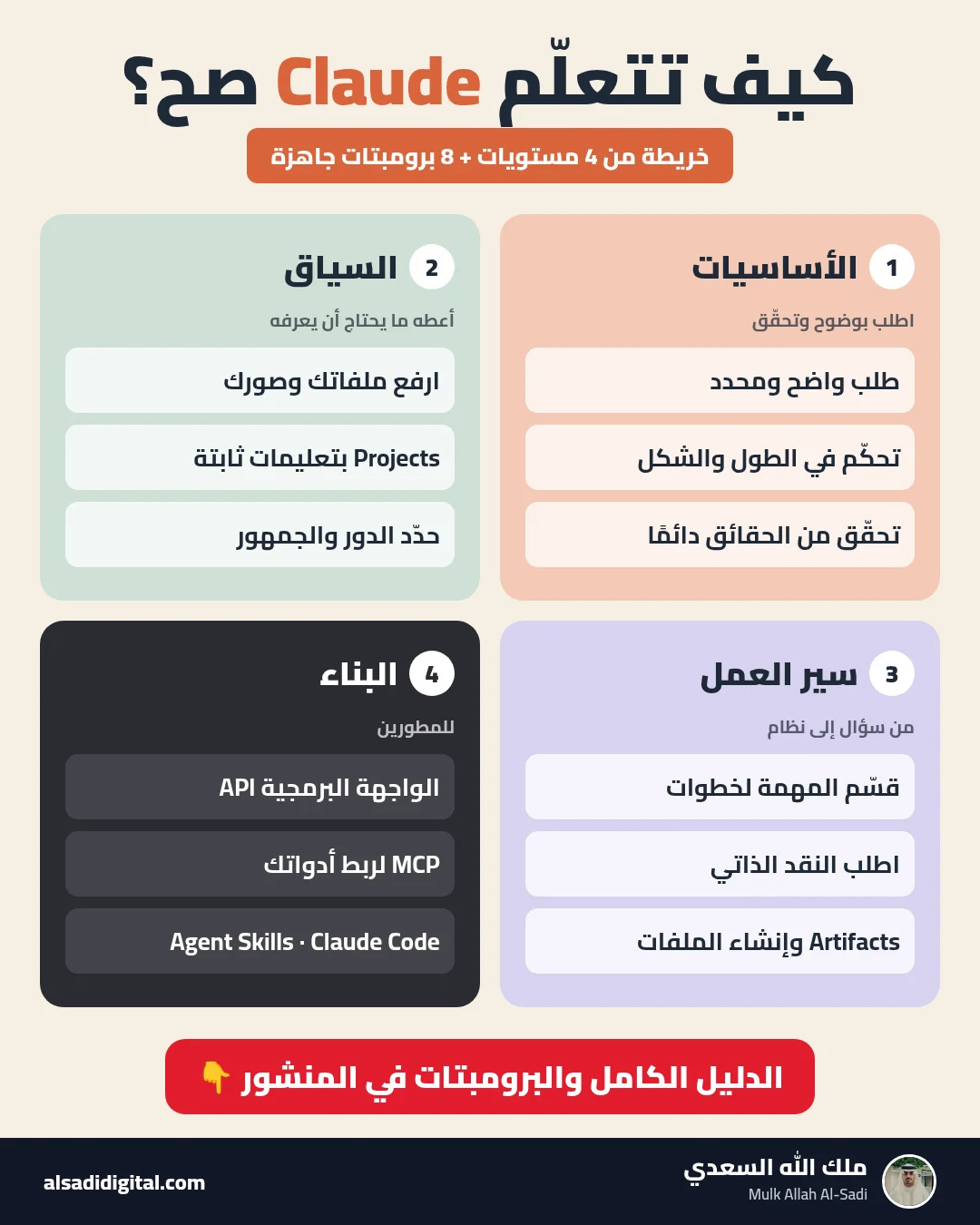
Learn Claude the Right Way: A Four-Level Map and Eight Prompts That Turn It into a Team of Experts
Skip the random experiments: a clear map of what to learn at each level of Claude, plus eight copy-ready prompts that make it work as your researcher, analyst, advisor, critic and tutor.
Mulk Allah Al-Sadi
Start Data Analytics from Zero: Cisco’s Free Data Analytics Essentials Course and Eight Prompts That Make AI Your Personal Coach
A practical guide to completing Cisco’s free data analytics course (Excel, SQL and Tableau) with real understanding, plus eight prompts for studying, practising, publishing a GitHub project and preparing for interviews.
Mulk Allah Al-Sadi